
 Blog
Blog


@env-spec VS Code extension
The @env-spec VS Code and Open VSX extensions provide language support for @env-spec enabled .env files.
Installation
Section titled “Installation”The extension is available on the VS Code Marketplace and Open VSX Registry for those who use VS Code forks like Cursor and Windsurf.
Features
Section titled “Features”- Syntax highlighting
- IntelliSense for decorators,
@typevalues, type options, resolver functions, and$KEYreferences - Enum value completion for item values below
@type=enum(...) - Inline validation for invalid enum values, incompatible decorators, and obvious static
@typemismatches - Hover info for common @decorators
- Comment continuation - automatically continue comment blocks when you hit enter within one
IntelliSense and diagnostics
Section titled “IntelliSense and diagnostics”Decorators and built-in types
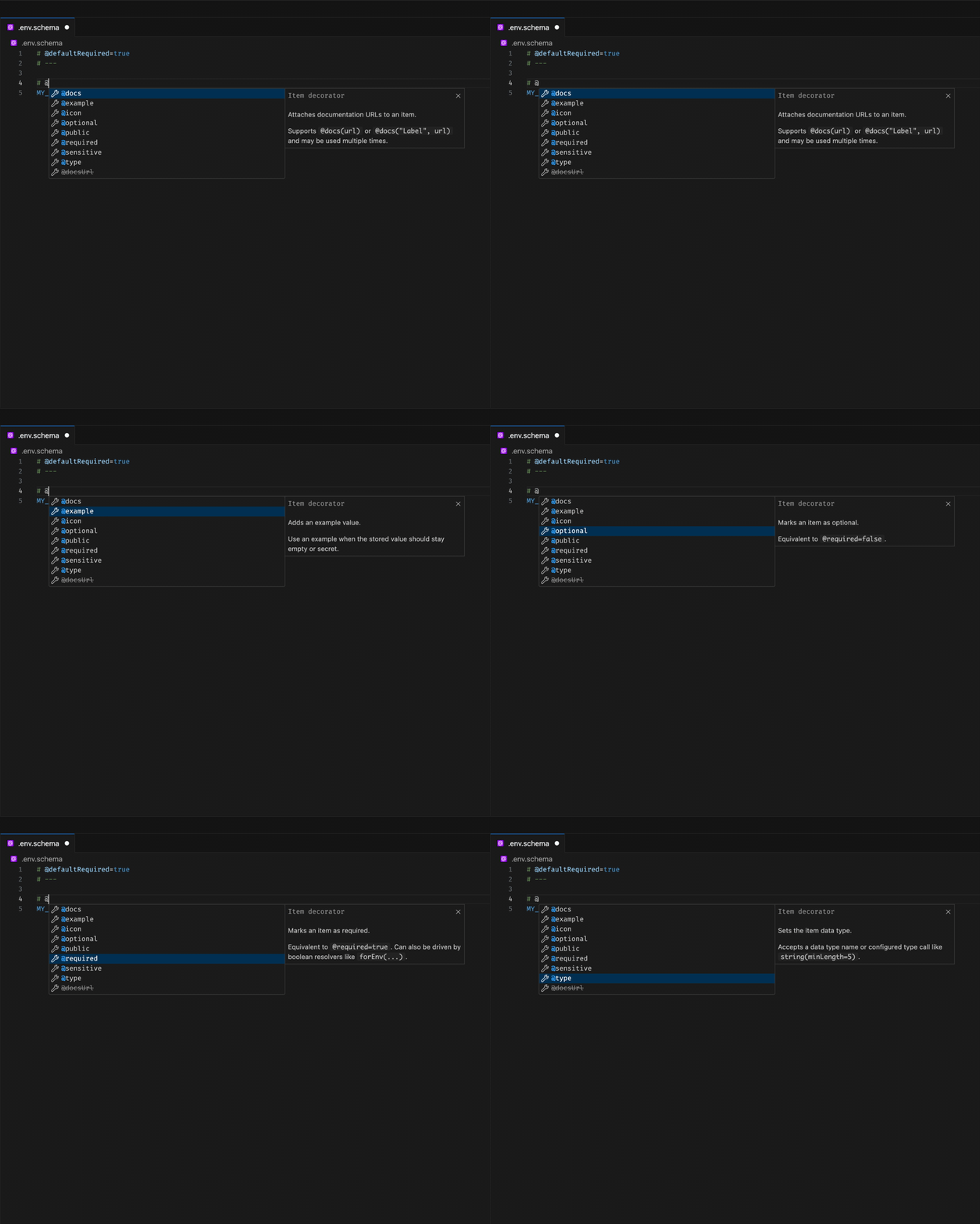
Section titled “Decorators and built-in types”The extension suggests decorators and built-in @type= values directly inside comment blocks.
Type option completions
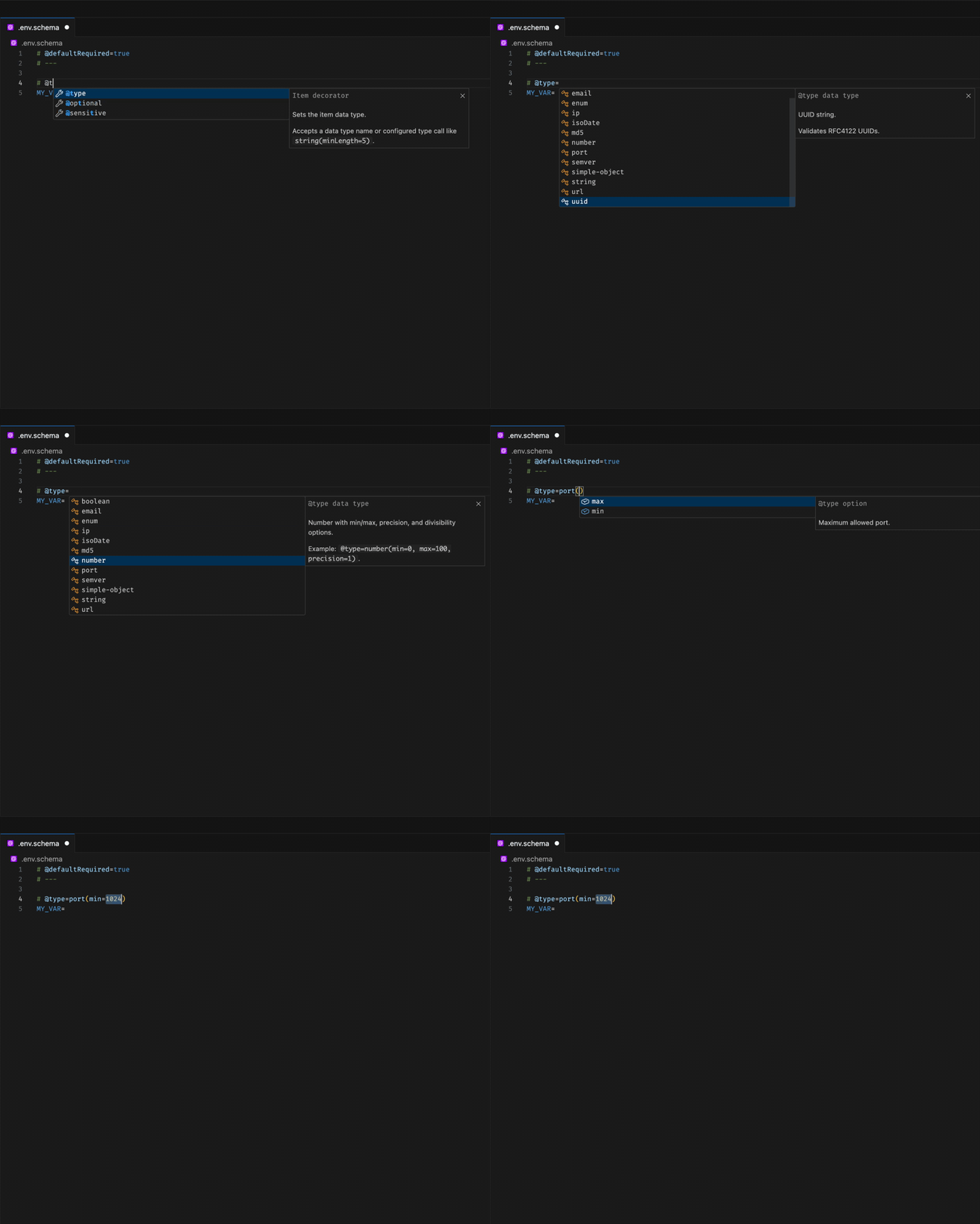
Section titled “Type option completions”Built-in types surface context-aware option completions like email(normalize=...), ip(version=..., normalize=...), and url(prependHttps=...).
Email-specific option completions
Section titled “Email-specific option completions”Type-specific completions also work for focused cases like email(normalize=...), with boolean choice values suggested inline.
Enum value completions
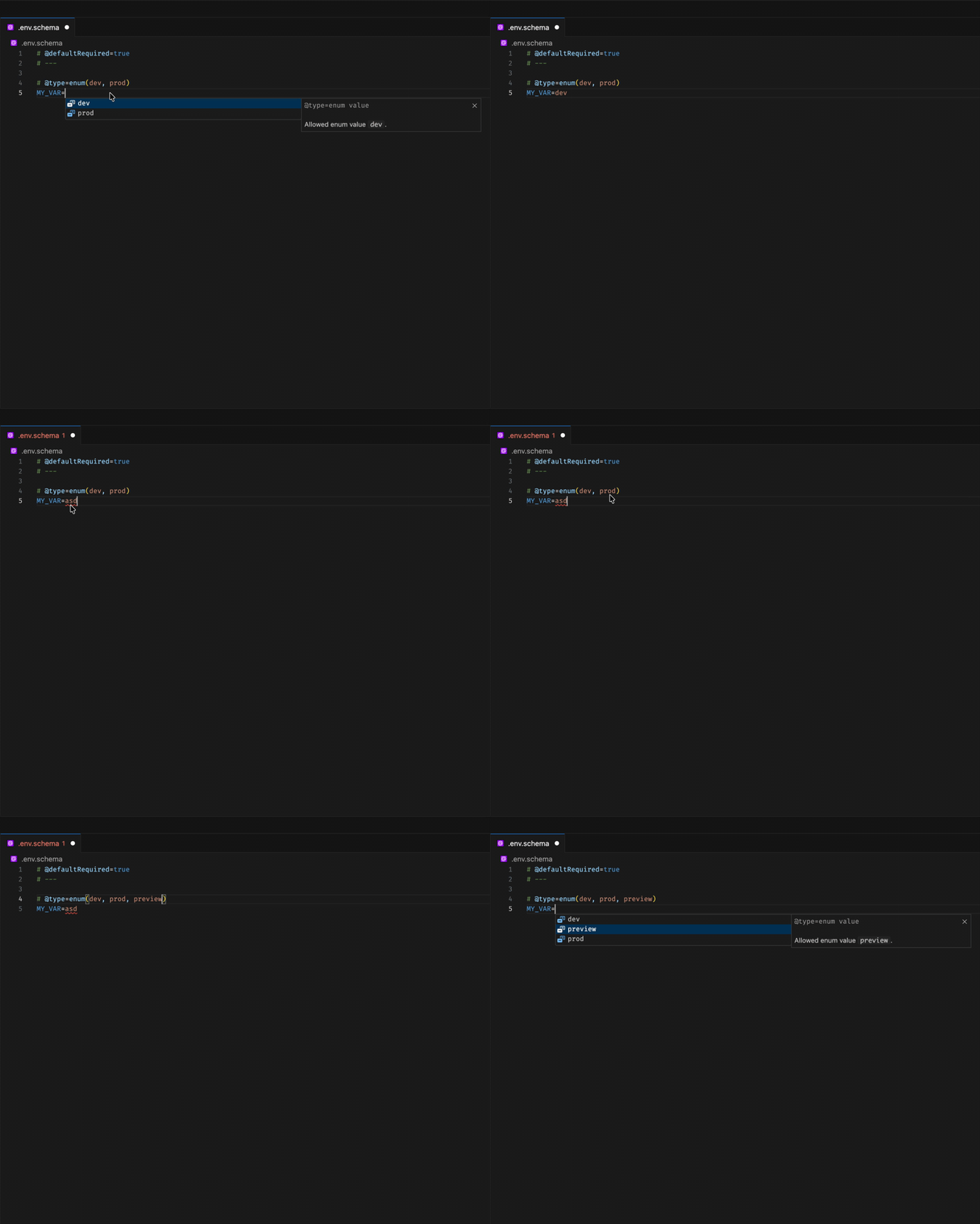
Section titled “Enum value completions”When an item is declared as @type=enum(...), the allowed values are suggested directly on the item value line below.
Variable references
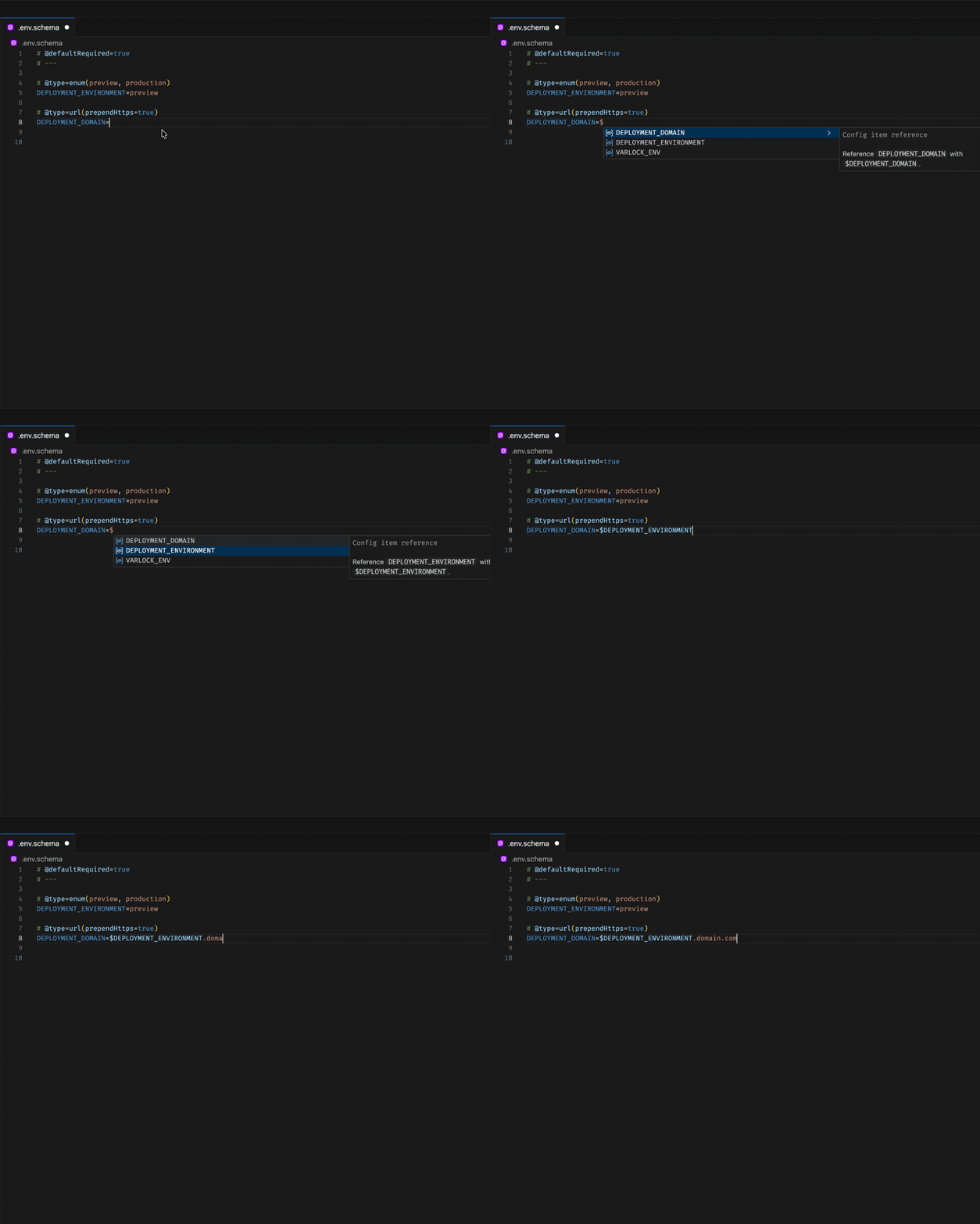
Section titled “Variable references”Typing $ inside values and decorator expressions suggests config keys from the current file.
Prefix-aware completions
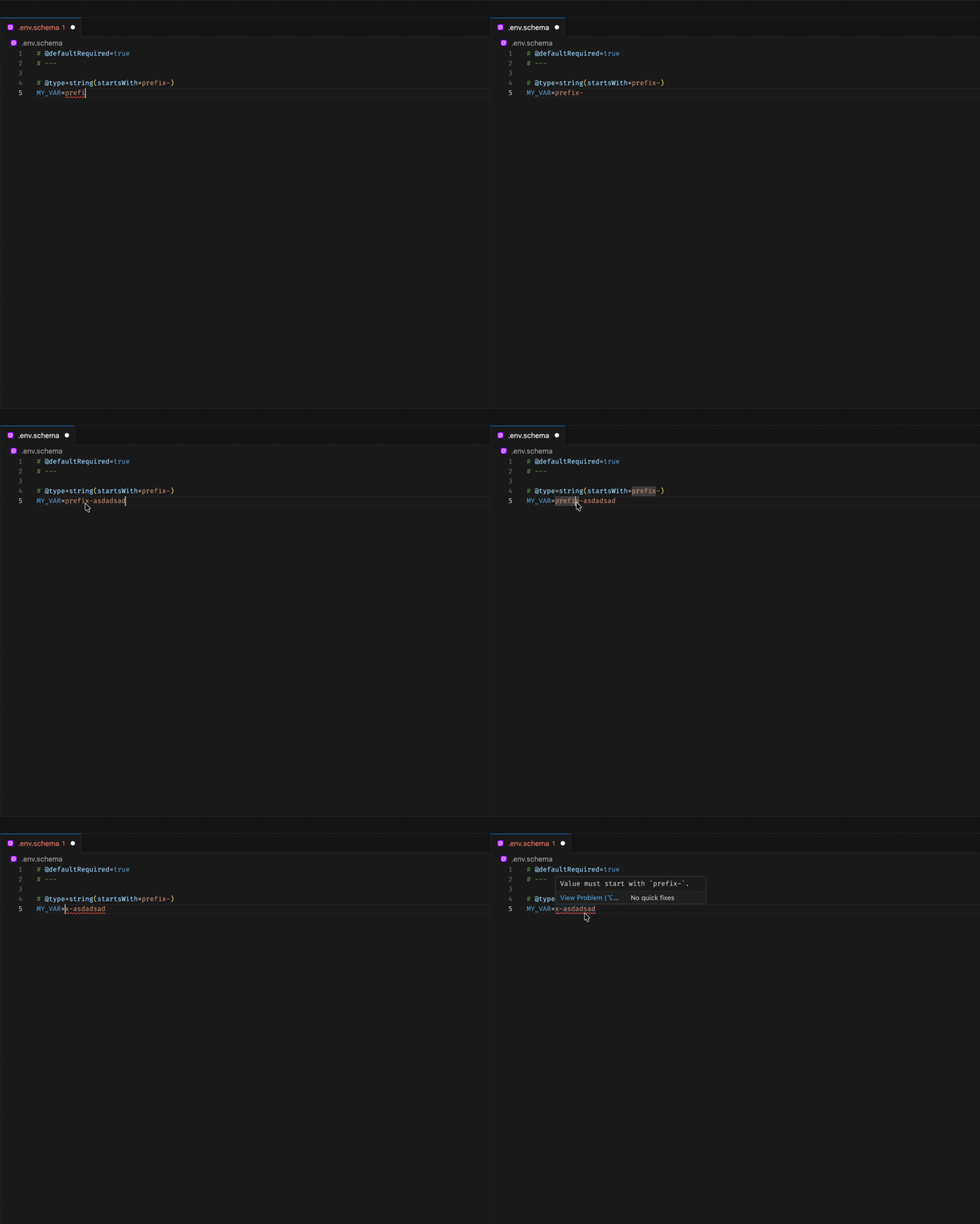
Section titled “Prefix-aware completions”Decorator and validation workflows also support prefix-related configuration scenarios while editing schema comments.
Invalid decorator combinations
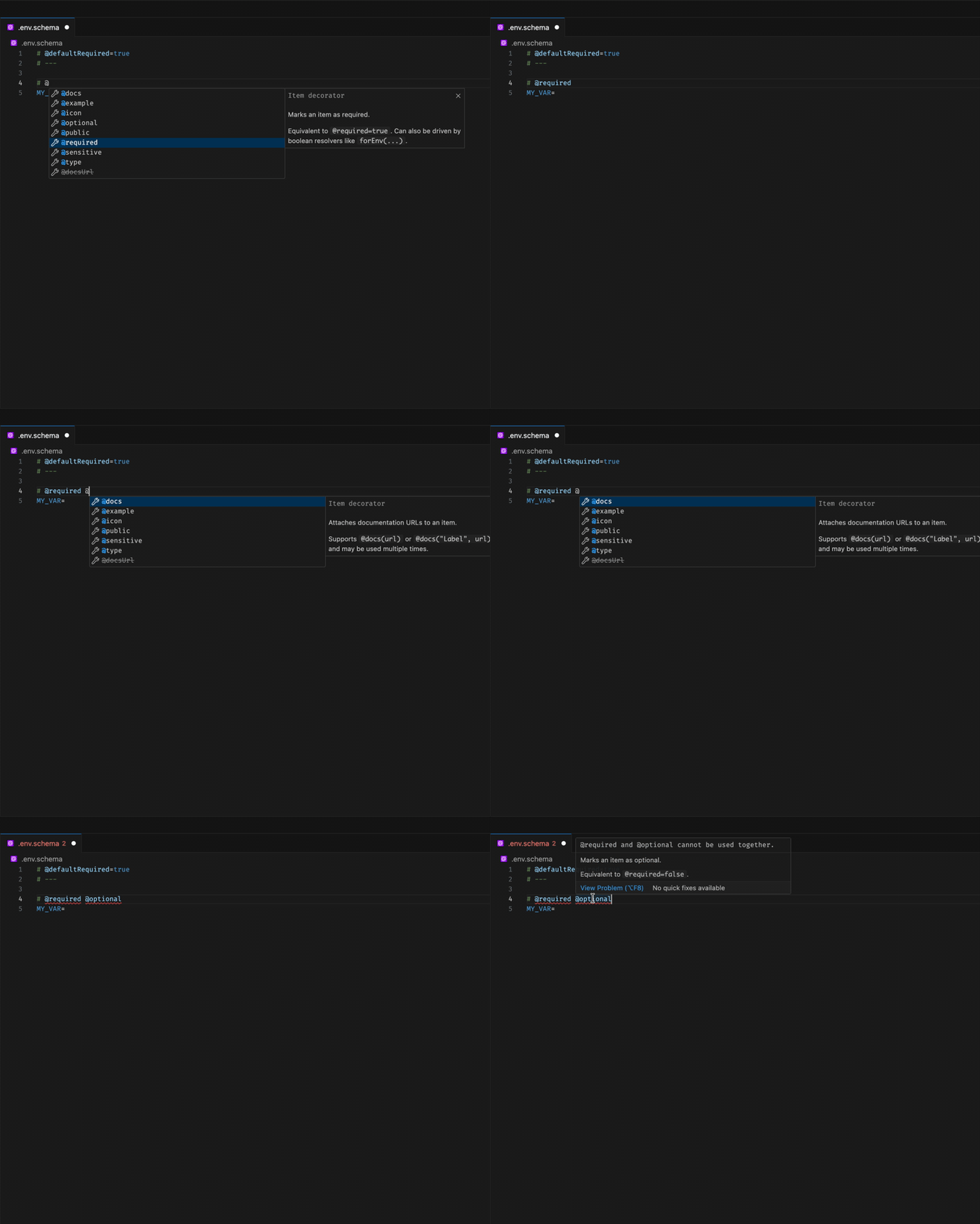
Section titled “Invalid decorator combinations”Autocomplete filters out incompatible decorators like @required and @optional, and inline diagnostics catch invalid combinations if they still appear in the file.
Inline validation
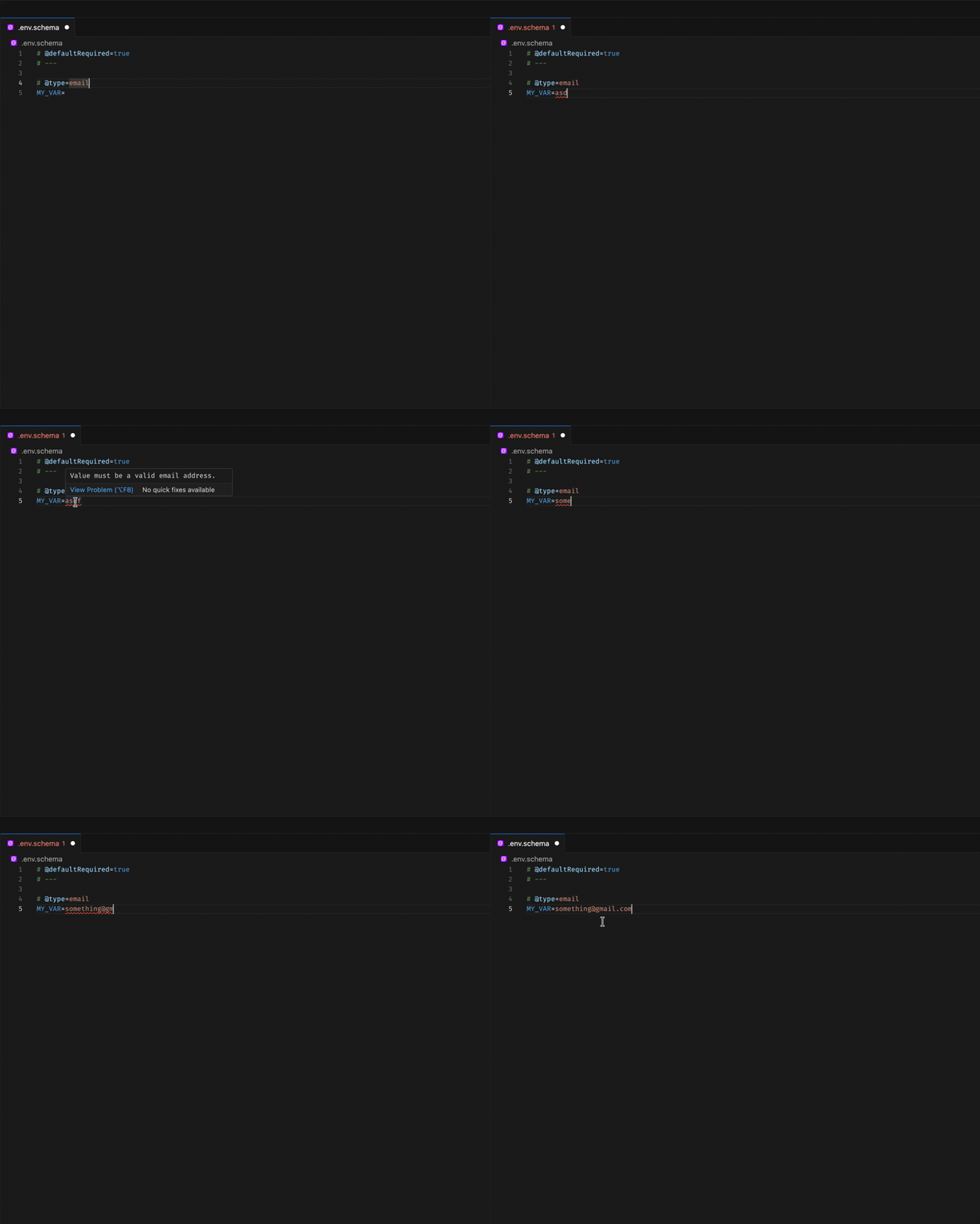
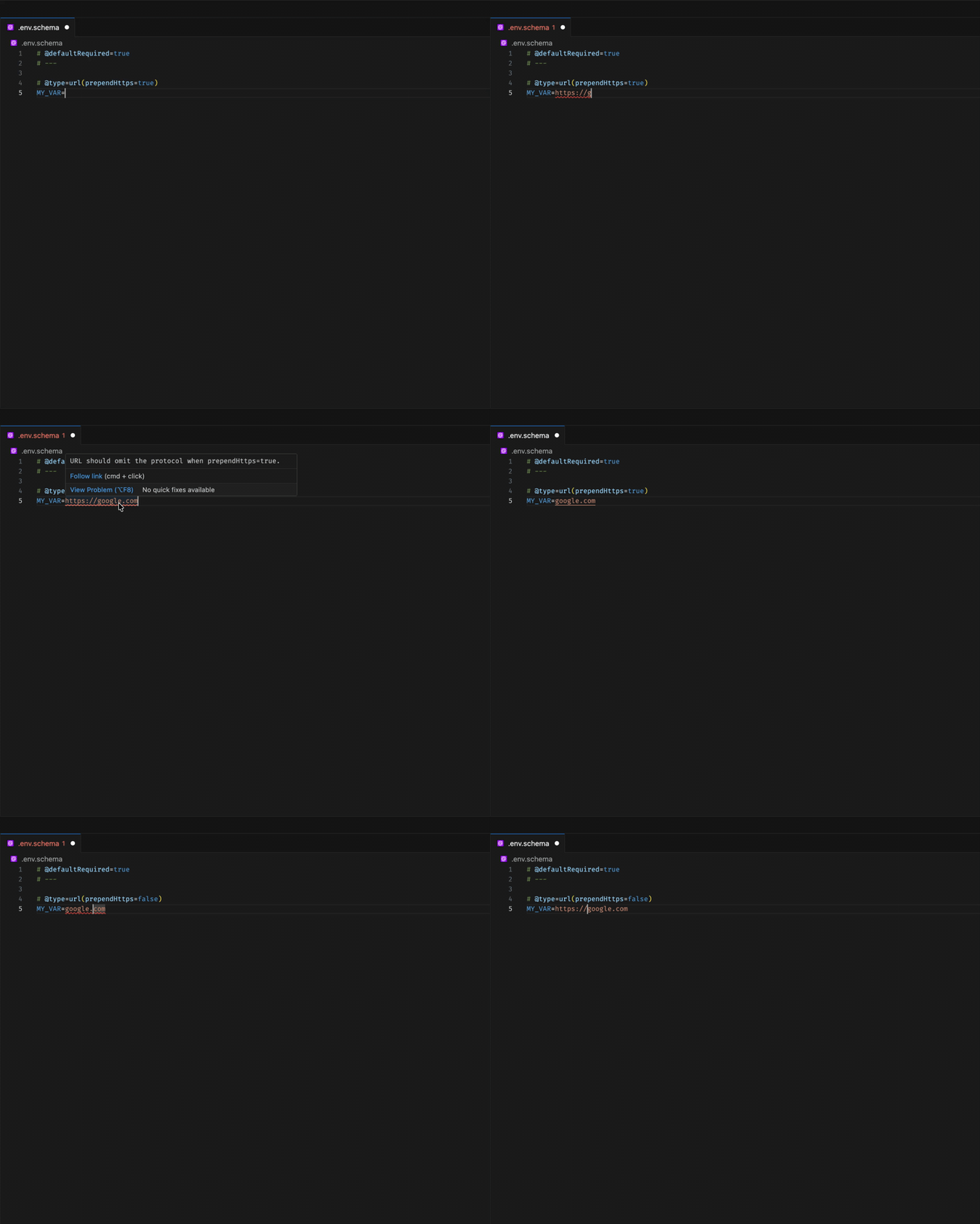
Section titled “Inline validation”The extension also highlights obvious static validation issues, such as invalid enum values or incorrect prependHttps URL usage.
How to use this extension
Section titled “How to use this extension”The new @env-spec language mode should be enabled automatically for any .env and .env.* files, but you can always set it via the Language Mode selector in the bottom right of your editor.